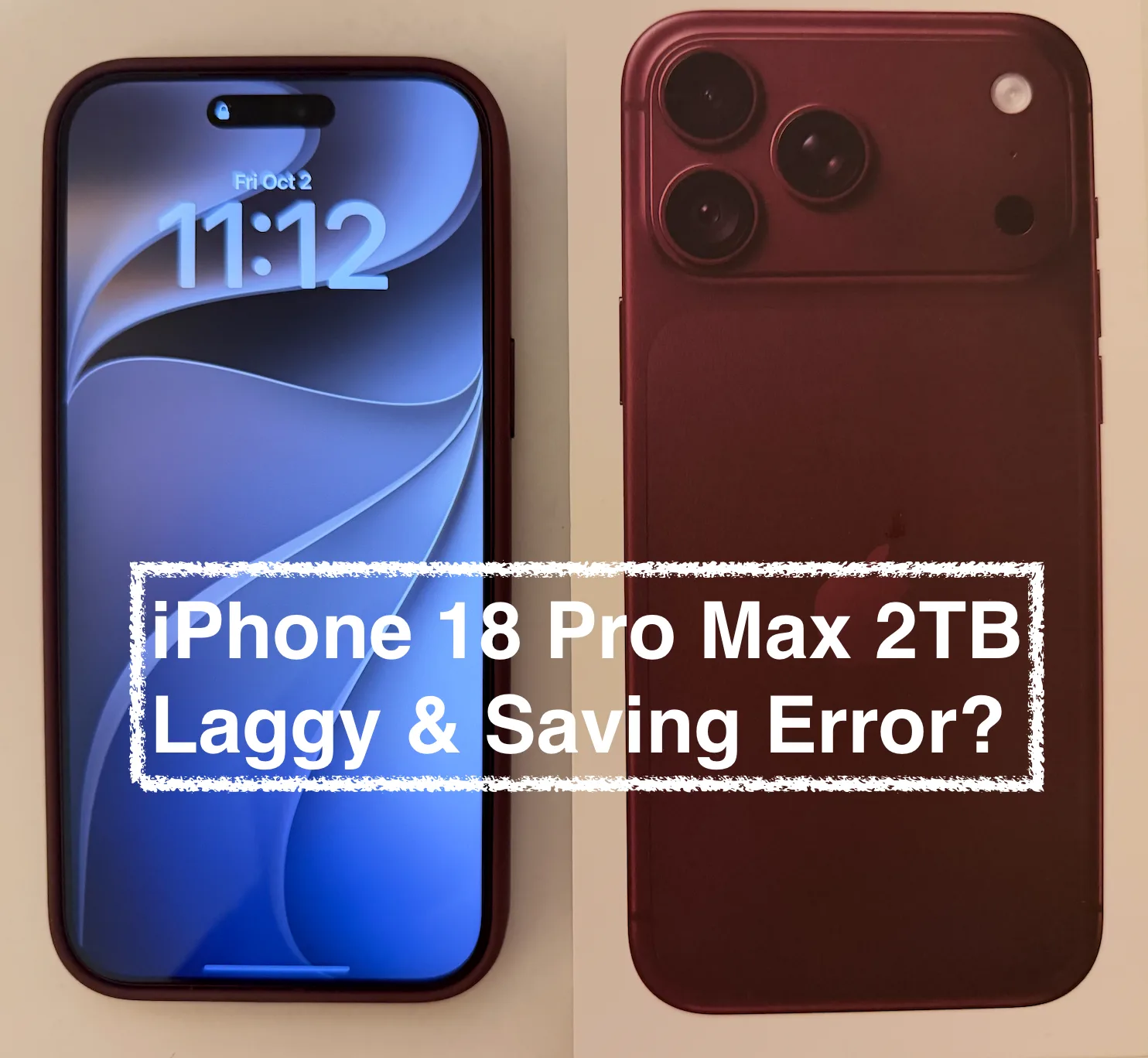
I've been using the iPhone 18 Pro Max (2TB) for a little over two weeks. Overall it's a great phone, but I've hit three problems with editing long 4K60 videos in the Photos app: the trim handles lag, saving shows a false error, and the editor sometimes gets stuck. My older iPhones handle the same tasks with no trouble.
My setup
Phone: iPhone 18 Pro Max (2TB), iOS 27.0, brand new. Its storage is almost empty, holding only iOS and the default apps.
Price paid: $2,400
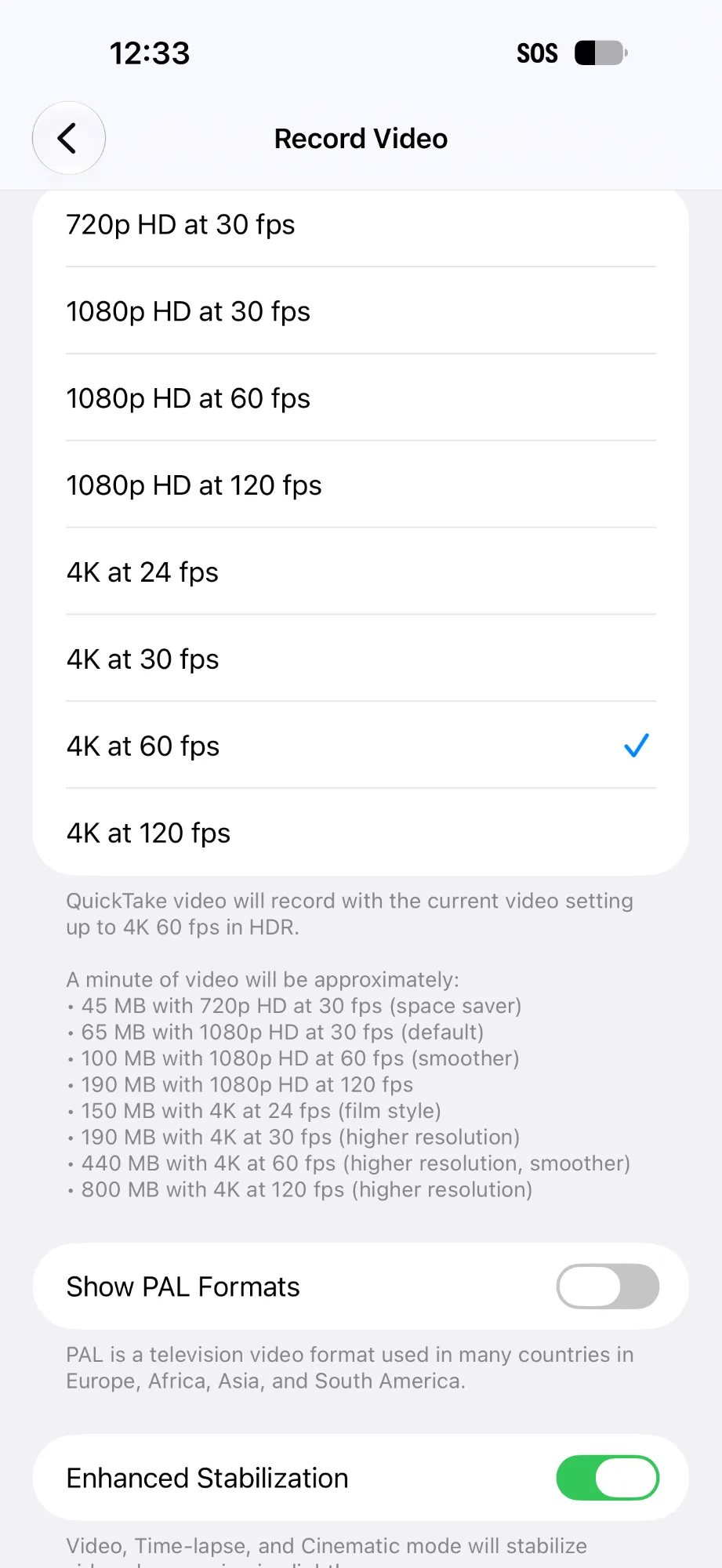
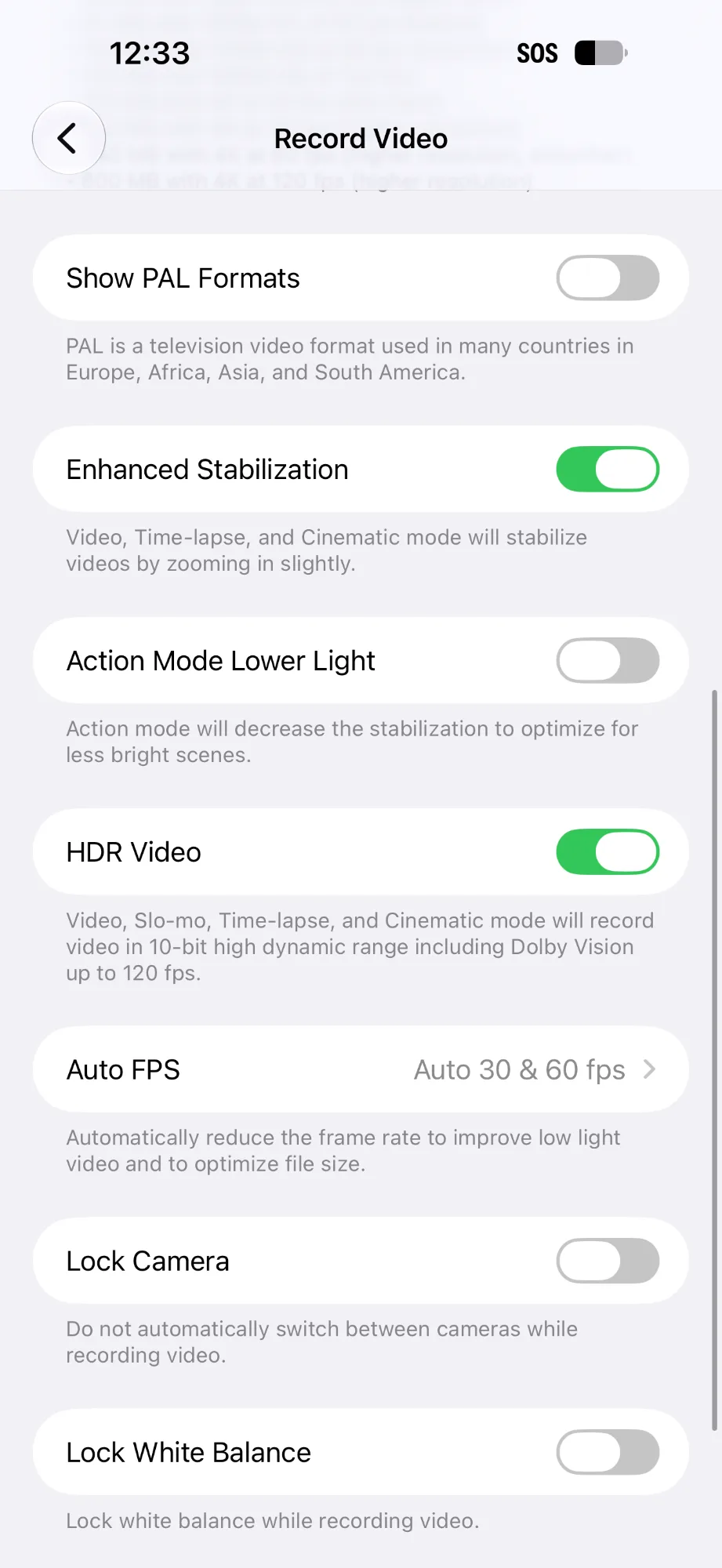
Video: 4K60, about 20GB, longer than 30 minutes
Video codec: HEVC (H.265), HDR, color profile BT.2020 HLG (Dolby Vision)
Audio: APAC (Apple Spatial Audio) + AAC
Other tracks: Timed metadata
This is standard footage from the default Camera app with HDR and Spatial Audio on. It's not ProRes or any special format. And since the phone is nearly empty, this isn't a full phone running out of room.
Issue 1: The trim handles lag
When I trim a 4K60 video, the yellow trim handles on the editing timeline are hard to move and position. The longer the clip, the worse it gets. Once a video runs past about 30 minutes, dragging the handles turns choppy and unresponsive, so getting a precise cut is frustrating.

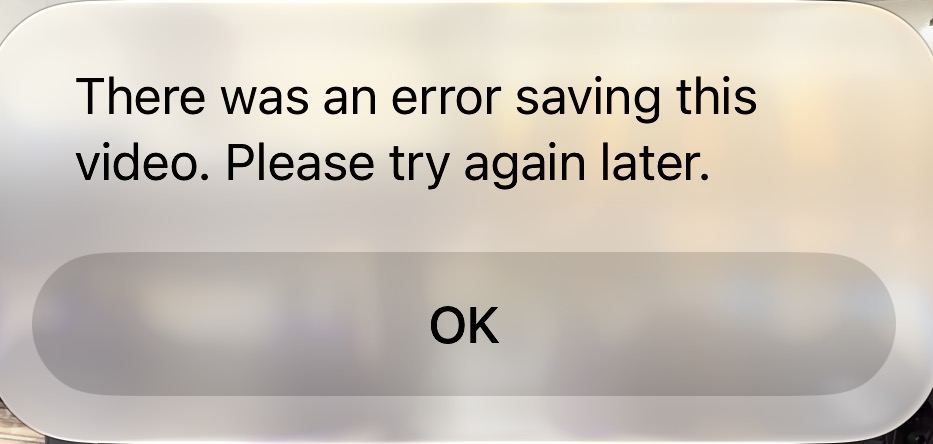
Issue 2: "There was an error saving this video. Please try again later."
After trimming, I get this error every time I tap either Save Video as New Clip or Save Video (replace original). I can reproduce it 100% of the time on any video longer than 30 minutes.
Here's the strange part. I kept getting the error, so I kept trying again. Then I found that the trimmed clips had saved correctly in Photos every time. The error message is false, and I ended up with a pile of duplicate clips because of it.
Saving also takes noticeably longer than on my iPhone 17 Pro Max.
Issue 3: The "Discard Changes" pop-up won't go away
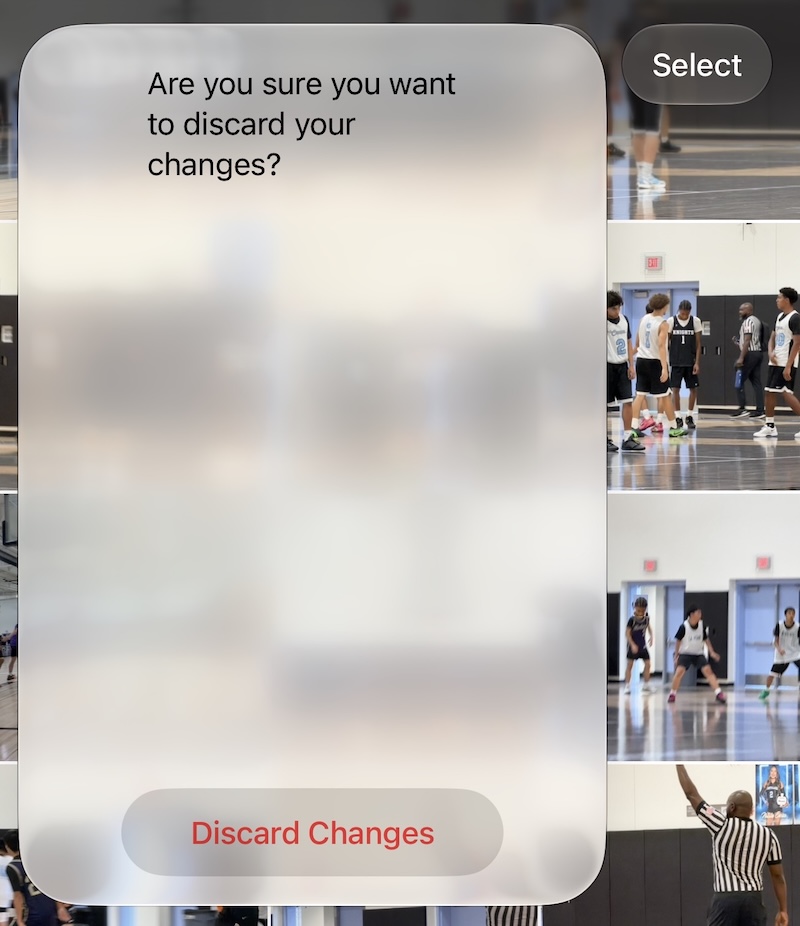
When I tried to discard my edits to a video, Photos showed the usual pop-up: "Are you sure you want to discard your changes?" I tapped Discard Changes, but the pop-up stayed on screen. I tapped it many more times and nothing happened. The only way out was to force quit Photos.
For comparison
My iPhone 17 Pro Max (2TB) on iOS 26.6.2 uses exactly the same camera settings: 4K60, HDR, and Spatial Audio. It produces the same kind of file. On it, trimming 30+ minute clips is smooth, saving is faster, and I've never seen the false error. My iPhone 16 Pro Max doesn't have these problems either.
To be transparent: my 17 Pro Max is on iOS 26.6.2, while the 18 Pro Max came with iOS 27.0. The false error and the stuck pop-up may well be iOS 27.0 bugs. But I don't think the iOS version explains the lag and the slow saves. The same footage, settings, and workflow run fine on two older phones, and the slowdown feels like hardware to me, not a software glitch.
Possible cause?
Before launch there were rumors that the 1TB and 2TB iPhone 18 Pro models would switch from TLC storage to slower QLC storage. Since launch, testing by the Bilibili channel Homolab has confirmed Kioxia QLC NAND in a 1TB iPhone 18 Pro Max. Its write speeds drop sharply once the fast cache is used up, especially as the phone fills up. The 2TB model is widely reported to use QLC as well, though I haven't seen it tested directly.
To be fair, my phone is nearly empty, which is when the fast cache should be largest, so I can't say for certain that storage is the cause. But the timing is hard to ignore: the iPhone 18 Pro Max is the first model where I see this, and it's also the first reported to use QLC in the high-capacity versions. Whatever the cause, a $2,400 "Pro" phone shouldn't struggle with video shot by its own camera when the previous model handles it easily.
Has anyone else seen this?
Please comment with:
Your model and storage size
Your iOS version
Whether you shot with HDR / Spatial Audio
How long your clip was
Whether you've seen the stuck "Discard Changes" pop-up
If you have an older iPhone on iOS 27 and don't see these problems, please comment too. That would help confirm whether this is specific to the iPhone 18. The more of us who report it, the more likely Apple is to fix it.
Buy from Amazon
iPhone 16 Pro Max (Amazon Renewed)
iPhone 17 Pro Max (Amazon Renewed 2TB)
Note: ReviewTonight is an affiliate partner with Amazon. When you click a link and make a purchase, we may receive a small payment, which helps us keep the site running.
Reference: